What this is testing
Each piece answers a question about how Amaze should feel. The notes below say what to look for.
Live is the proposal. Tab, Frame and Classic are alternatives to compare it against.
Click a ball twice: the halo steps out to the table, then the world. The inspector’s path follows.
No File menu, because there are no files. The World menu is about the world itself: saving, history, trying something in a copy, sharing. The Box menu changes with the selection.
Hover a handle or a menu item: the info line at the bottom says what it does.
Supplies holds things to clone instead of apps to install. This world lists every box, like the old explorer.
The inspector sits at the bottom, the way Live shows a device. Its Down to the metal tab links each layer to the source.
Before
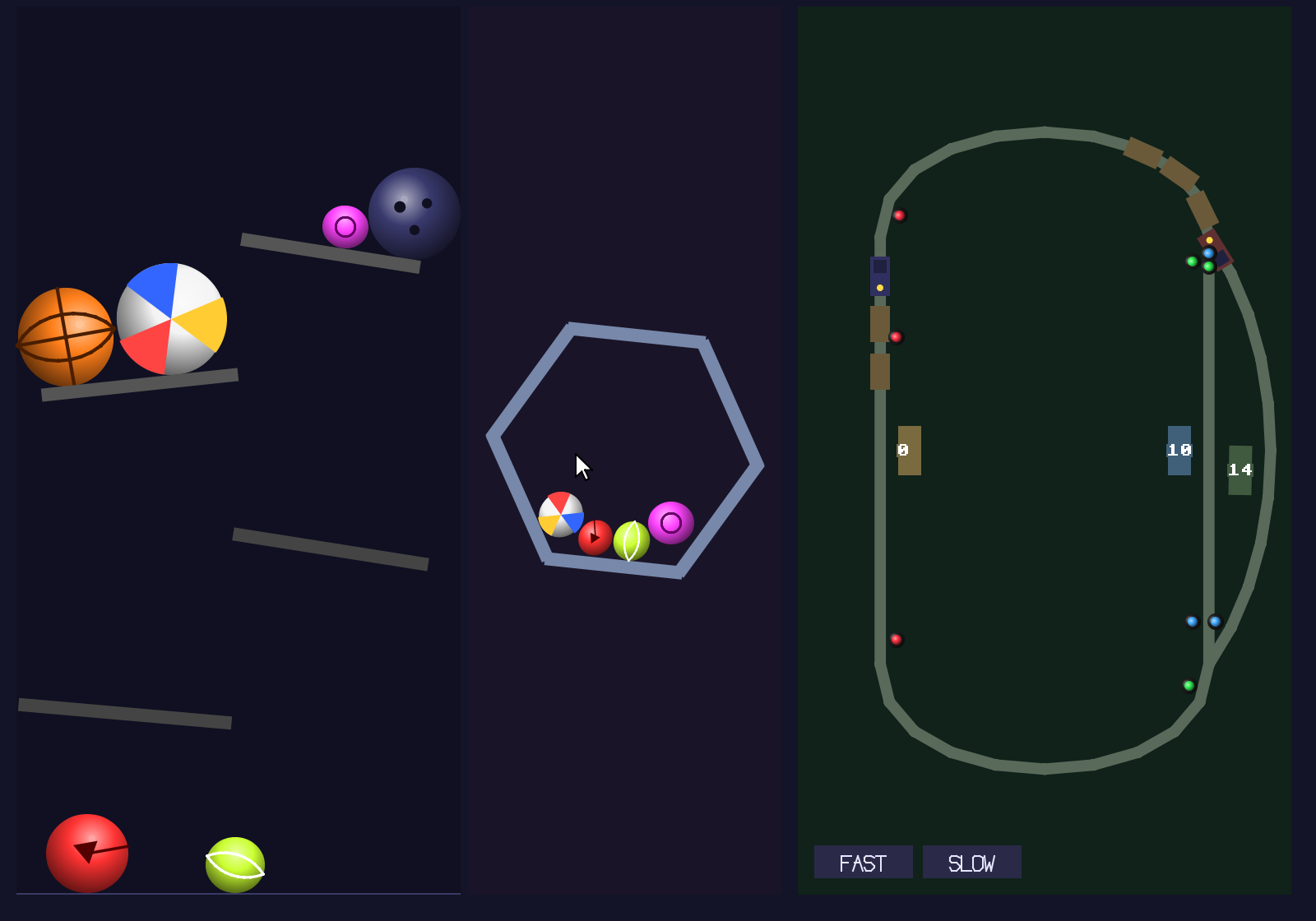
What the running system looks like today, for comparison. Both captured from the live world.
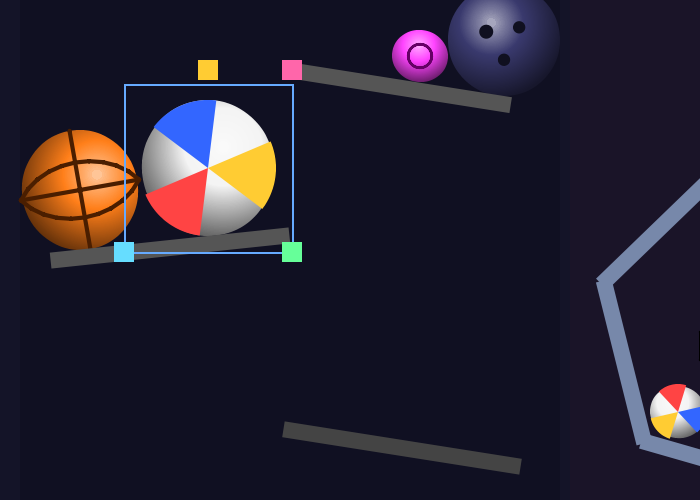
Four unlabeled squares. Nothing says which one moves, resizes, rotates or opens the code.
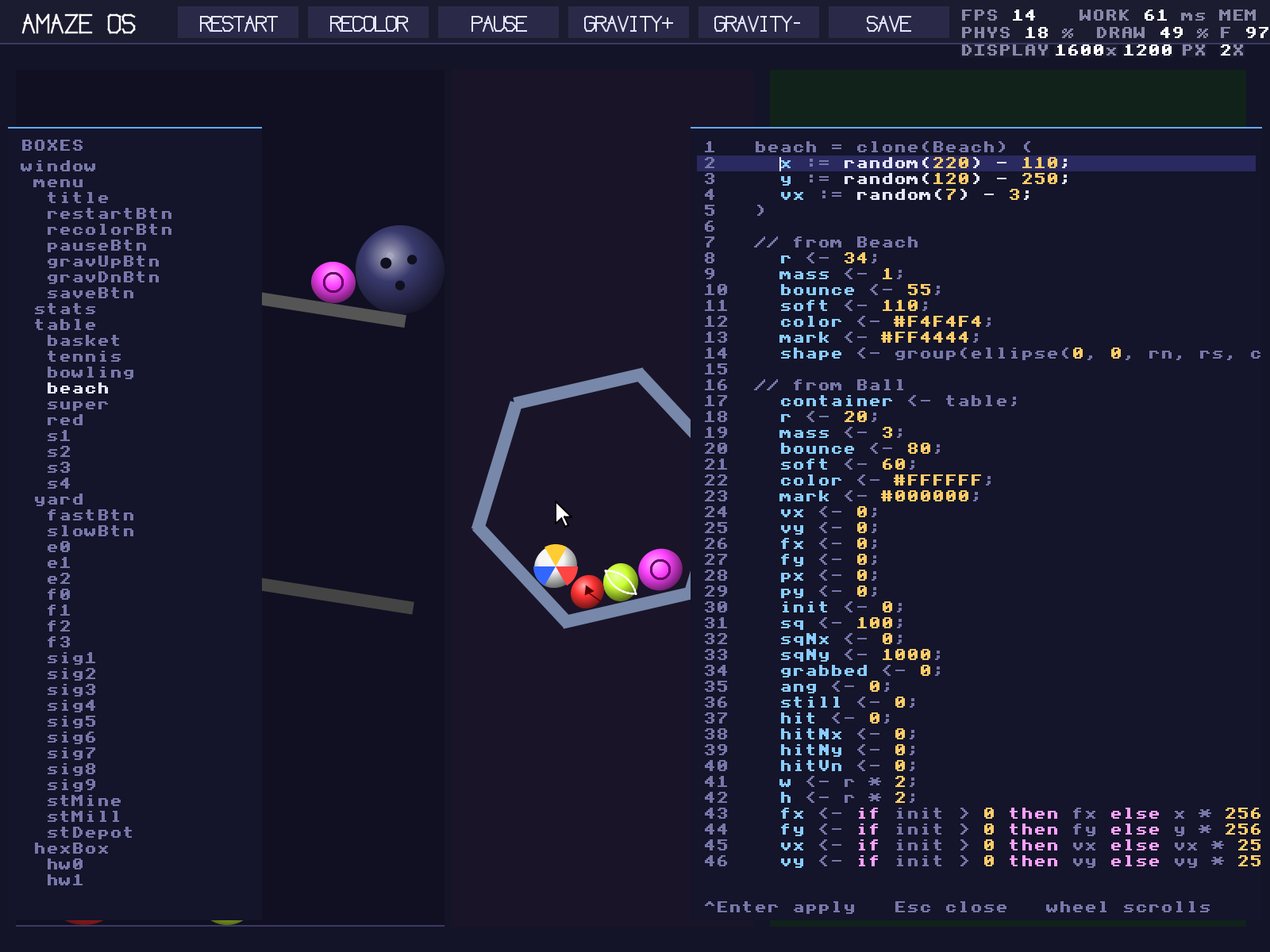
The explorer and the inspector float over the world and hide it.